
MacBook Air for Content Creation Review: Why I Switched from a MacBook Pro and Never Looked Back
This post may contain affiliate links. As full time travelers and content creators, we only recommend products we personally use and trust. If you purchase through one of our links, we may earn a small commission at no additional cost to you.
Introduction
For years I assumed serious content creators needed a MacBook Pro.
Every laptop I owned before this one was a Pro because I believed anything less simply wouldn't be powerful enough. Between editing videos, working in Photoshop, managing thousands of photos, running multiple AI tools, and somehow always having fifty Chrome tabs open, I figured the MacBook Air would eventually hit a wall.
I couldn't have been more wrong.
After using the 15 inch MacBook Air for the past year while living and working full time from a van, it has completely changed my opinion of what a lightweight laptop can do.
This little computer has traveled across the Rockies, through British Columbia, around the Pacific Northwest, across the Desert Southwest, and just about everywhere in between. It's become my mobile office, my editing station, my writing desk, and the heart of my entire content creation business.
Looking back, I honestly don't miss my MacBook Pro at all.
Why I Finally Switched
When I first started researching the MacBook Air, I was skeptical.
Every comparison online seemed to push creators toward the MacBook Pro. On paper, it made sense. More ports, active cooling, and additional performance sounded like exactly what I needed.
But my workflow had changed.
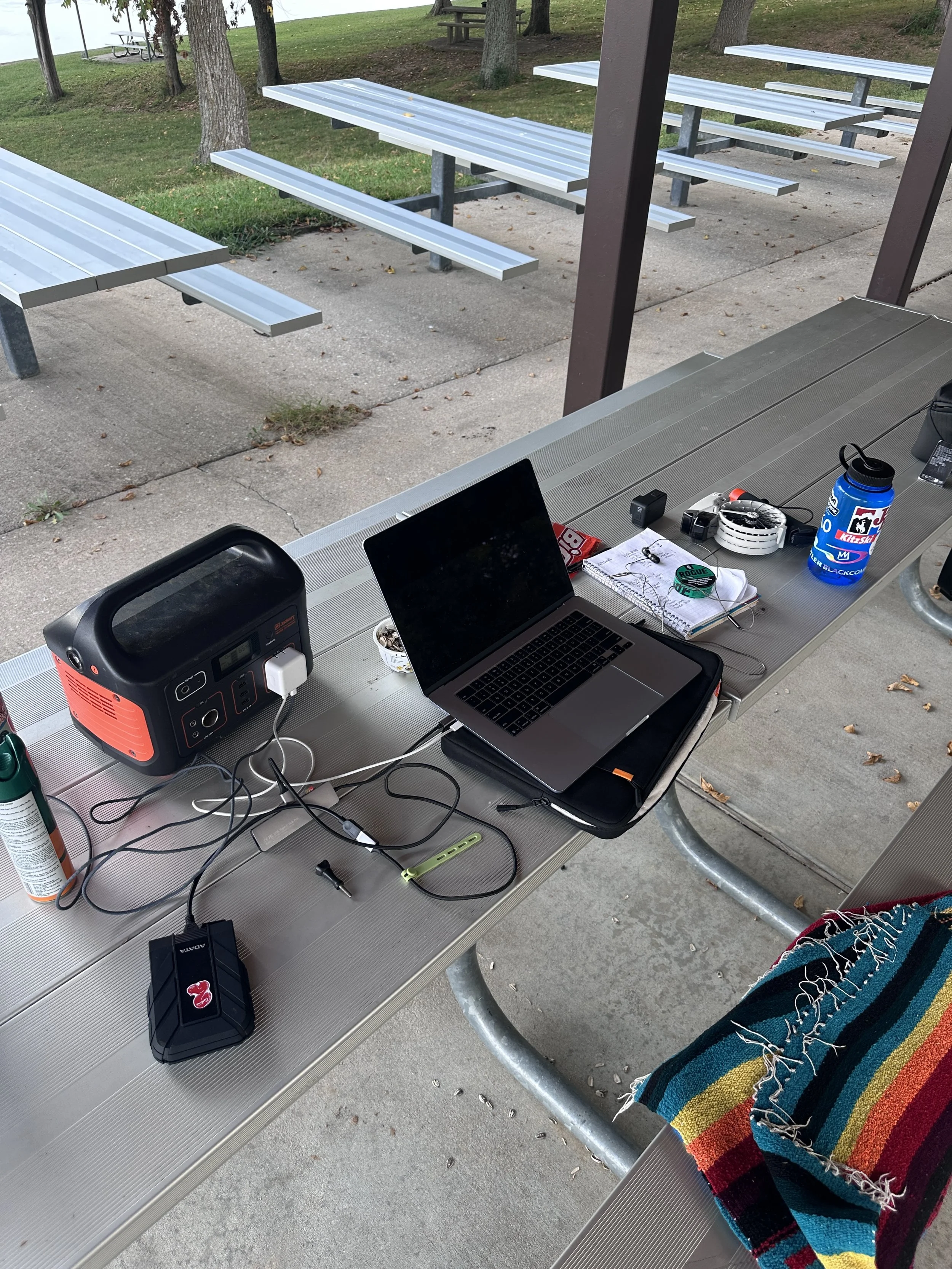
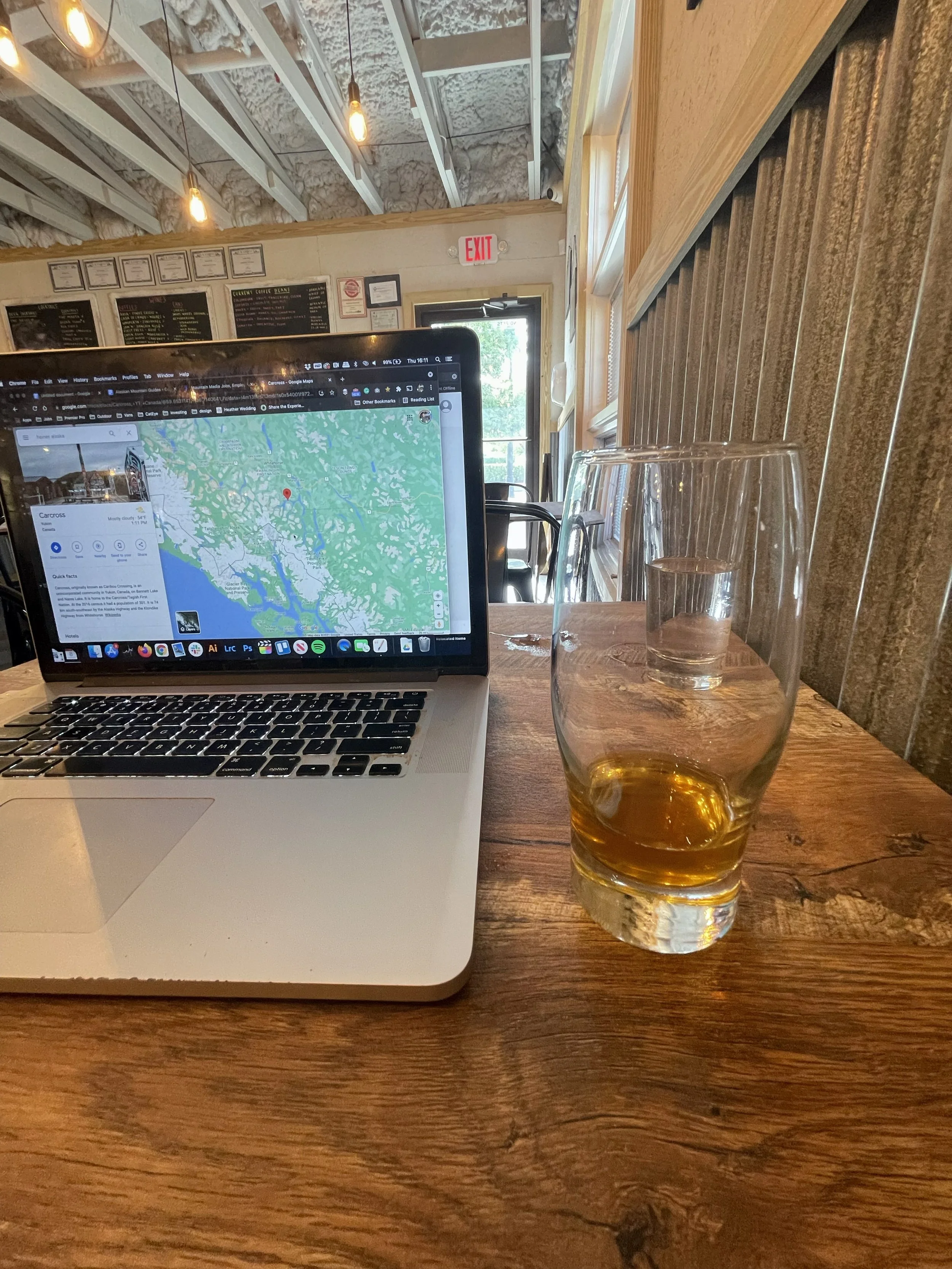
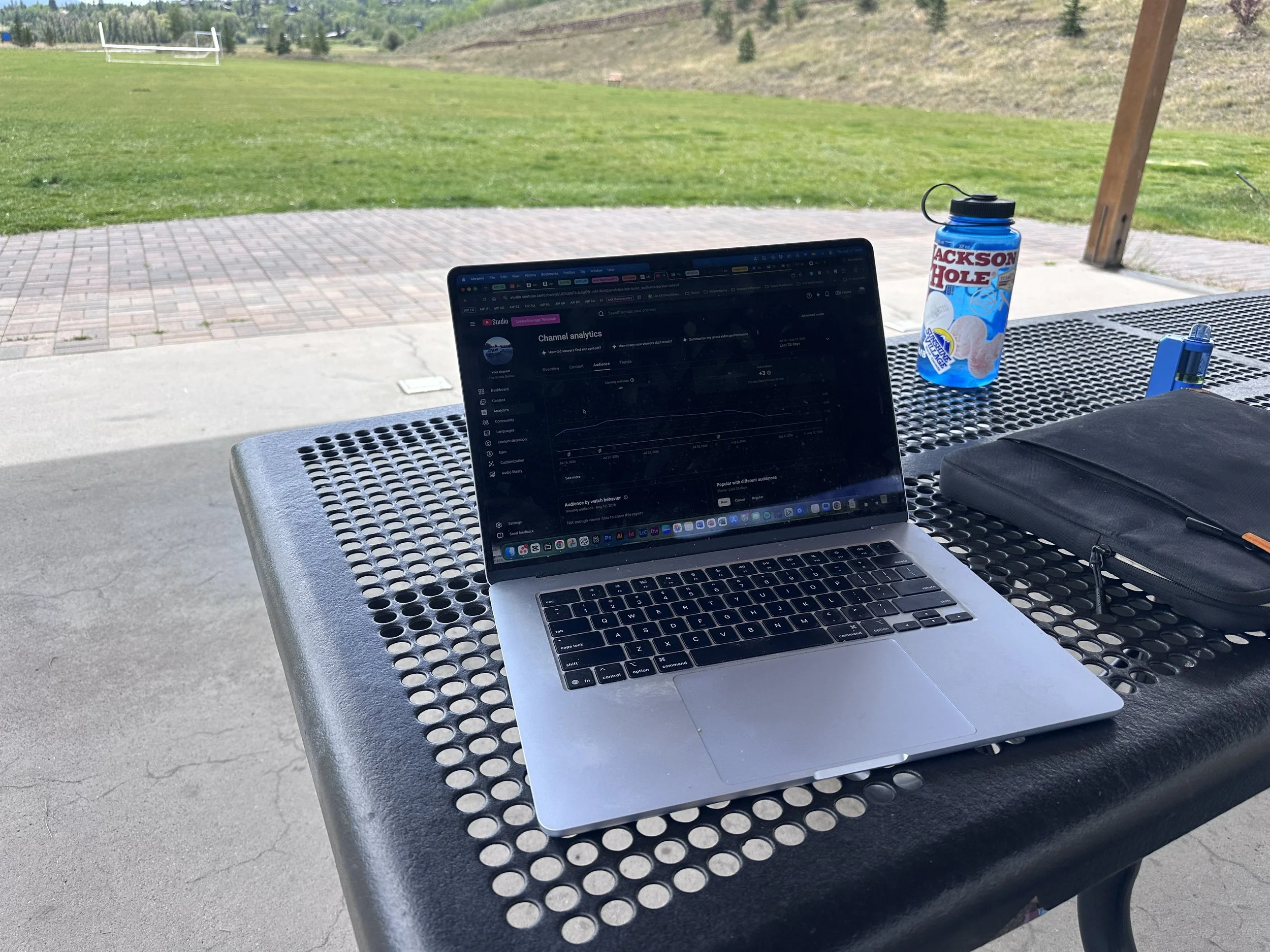
Instead of working from a permanent office, I was now editing from coffee shops, campgrounds, ski resort parking lots, picnic tables, and the passenger seat of our Ram ProMaster.
Suddenly, portability became just as important as raw performance.
The first time I picked up the MacBook Air, I immediately noticed the difference.
It's remarkably light.
Carrying it around all day doesn't feel like carrying a workstation. It feels like carrying a notebook.
After a full year of travel, I can confidently say that convenience has made me use my laptop far more often than I ever did with the heavier Pro.
Surprisingly Powerful for Professional Work
The biggest surprise has easily been the performance.
I expected compromises.
Instead, the MacBook Air has handled nearly everything I've thrown at it without complaint.
On a typical workday I might have Google Chrome open with more than fifty tabs, CapCut exporting video, Photoshop editing thumbnails, Canva creating graphics, multiple AI applications running in the background, and Adobe Premiere open for larger editing projects.
Despite juggling all of that, the laptop continues to feel incredibly responsive.
Apps launch quickly.
Exports finish faster than I expected.
Switching between projects feels seamless.
There have certainly been moments where I've pushed it hard, but never to the point where I've wished I had brought a MacBook Pro instead.
For the type of content most creators produce today, I honestly think the Air is capable of much more than people give it credit for.
Built for a Mobile Lifestyle
Living in a van changes the way you evaluate technology.
Weight matters.
Battery life matters.
Space matters.
The MacBook Air checks every one of those boxes.
Because it's so thin and lightweight, it slides effortlessly into my backpack whenever we're heading out to work from a coffee shop or spend the afternoon editing from a scenic overlook.
That portability has become one of my favorite features.
It's easy to overlook until you've carried a heavier laptop around airports, cities, and hiking destinations for years.
The Air simply makes remote work feel easier.
The 15 Inch Screen Was the Right Choice
Although I've spent time using both the 13 inch and 15 inch versions, I'd choose the larger display every single time.
When your job revolves around editing photos, producing videos, designing graphics, and writing for hours every day, screen real estate becomes incredibly valuable.
The extra space makes timelines easier to manage inside Premiere and CapCut.
Editing photos feels less cramped.
Working with multiple windows becomes far more comfortable.
The 13 inch model is still an excellent laptop, especially if portability is your top priority.
For me, though, the 15 inch strikes the perfect balance between portability and productivity.
Perfect for Life on the Road
One thing I've learned after years of working remotely is that your office changes almost every day.
Sometimes I'm editing beside an alpine lake in the Rockies.
Other days I'm sitting outside a coffee shop in a mountain town or parked beside the ocean after a morning of surfing.
The MacBook Air has adapted to every environment without making me think twice.
That's ultimately what I want from a travel laptop.
I don't want technology that constantly reminds me of its limitations.
I want something that quietly lets me do my job while I focus on creating.
So far, that's exactly what this laptop has done.
The MacBook Air Changed My Mind About Lightweight Laptops
For years I assumed serious content creation required a MacBook Pro.
That was simply the standard. If you edited videos, worked in Photoshop, managed thousands of photos, or spent all day multitasking, the Pro was the obvious choice. I never really questioned it.
Then I bought the 15 inch MacBook Air.
I expected it to be a compromise.
Instead, it completely changed my workflow.
Over the past year this laptop has traveled with me full time in our van, edited hundreds of videos, processed thousands of RAW photos, powered multiple AI applications, and handled virtually every creative task I've thrown at it. At no point have I felt like I was missing the extra power of my old MacBook Pro.
That surprised me more than anything.
For photographers, filmmakers, YouTubers, bloggers, and remote workers looking for a lightweight laptop that can still handle demanding creative workloads, I genuinely think the MacBook Air has become one of the best values Apple has ever made.
Surprisingly Powerful for Real World Content Creation
The biggest misconception surrounding the MacBook Air is that it's only designed for casual users.
If your idea of content creation is editing one photo every now and then, then sure, it has plenty of power.
But what happens when you're editing 4K video, running AI software, exporting hundreds of RAW images, designing graphics, and juggling dozens of browser tabs all at the same time?
That's exactly how I work every day.
My typical workflow includes CapCut, Adobe Premiere Pro, Photoshop, Canva, multiple AI applications, Finder windows full of footage, external SSDs, and usually more than fifty Chrome tabs spread across multiple projects.
I honestly expected the Air to struggle.
It hasn't.
Instead, it quietly handles everything I ask of it while staying incredibly portable.
Living Out of a Van Changes How You Value Your Laptop
One thing full time travel has taught me is that every ounce matters.
When you carry your office with you every single day, you begin appreciating equipment that's smaller, lighter, and easier to pack.
That was one of the first things I noticed after switching from the MacBook Pro.
The Air simply disappears inside my backpack.
Whether I'm working from a coffee shop in a mountain town, editing videos inside the van, flying internationally, or hiking to an overlook to write, carrying the laptop never feels like a burden.
It's one of those small improvements that adds up after months of constant travel.
When your office moves with you every day, portability becomes just as important as performance.
The 15 Inch Screen Is Perfect for Creators
I chose the 15 inch version because so much of my work is visual.
Between video editing, photography, web design, and content planning, having extra screen space makes a noticeable difference.
Timelines feel less cramped.
Editing photos is more comfortable.
Managing multiple windows becomes much easier.
I've also used the 13 inch version, and I think it's excellent for people who prioritize portability above everything else.
If you're primarily writing, answering emails, or editing occasional photos, the 13 inch model is fantastic.
For my workflow, though, the larger display has been worth every bit of the additional size.
After a year of using it, I wouldn't go back.
Perfect for Video Editing
Video editing has become one of the biggest parts of my business.
Between YouTube videos, Instagram Reels, TikTok content, Amazon Influencer videos, client work, and travel documentaries, I'm constantly importing footage from multiple cameras.
Most of my projects involve footage from:
GoPro
Insta360 X5
DJI Drone
iPhone
Mirrorless cameras
Despite juggling footage from several different sources, the MacBook Air has handled editing remarkably well.
CapCut runs smoothly.
Premiere Pro performs far better than I expected.
Exports happen quickly enough that they never interrupt my workflow.
For the type of travel content I create, I honestly haven't found myself wishing for more power.
AI Workflows Have Become Part of My Daily Routine
Like many creators, AI has become part of almost everything I do.
Whether I'm brainstorming blog ideas, generating marketing copy, organizing research, editing images, or streamlining repetitive work, AI software is constantly running in the background.
I originally assumed these newer workflows would push the Air beyond its limits.
Instead, it has adapted incredibly well.
Running AI tools alongside Chrome, Photoshop, Canva, and video editing software has become my normal workflow, and the computer continues handling it without feeling overwhelmed.
That versatility has made it one of the best creative investments I've made in years.
Chrome Tabs? Bring Them On.
I'm probably the worst possible person to test browser performance.
At almost any given time I have:
Fifty or more Chrome tabs open
Google Docs
Google Sheets
Gmail
YouTube Studio
Canva
Squarespace
Multiple AI platforms
Analytics dashboards
Research articles
Affiliate programs
Most laptops eventually start slowing down under that kind of workload.
The MacBook Air has been surprisingly resilient.
It simply keeps moving.
One Thing You Should Know Before Buying
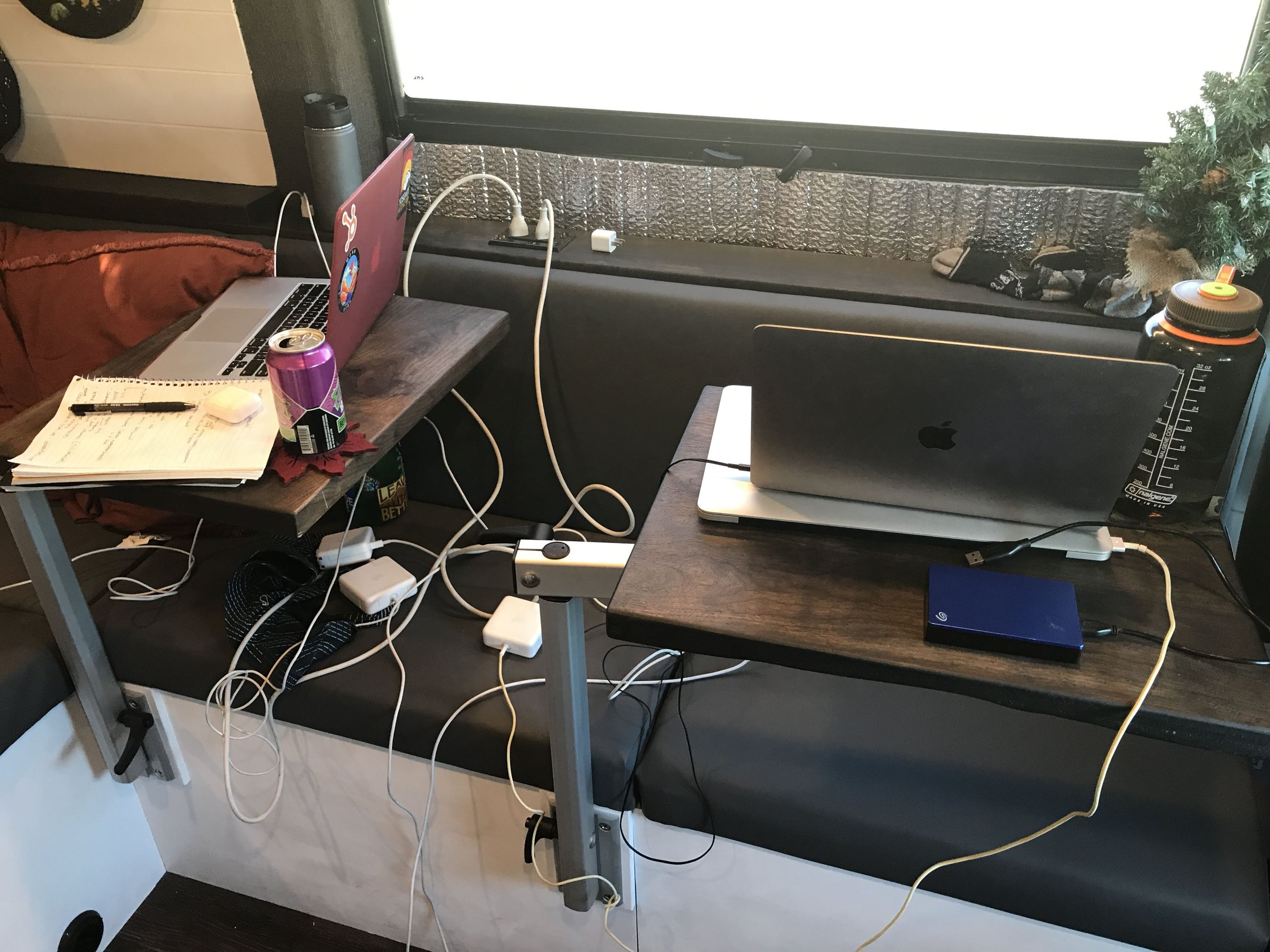
If there's one compromise I've noticed, it's connectivity.
Compared to the MacBook Pro, the Air offers fewer built in ports.
For many people that won't matter.
For content creators, it probably will.
Between external SSDs, SD card readers, camera cables, backup drives, monitors, and charging accessories, I regularly have several things connected at once.
Adding a quality USB C hub completely solves the issue, but it's something worth planning for before purchasing.
Once I added a hub to my setup, I honestly stopped thinking about it.
For me, it's been a very small tradeoff for everything else the Air offers.
Final Verdict
After a year of using the MacBook Air as my primary content creation laptop, it's completely changed my opinion of what an ultralight computer is capable of. It handles everything I throw at it, from video editing and AI tools to Photoshop, Canva, and dozens of Chrome tabs, all while being far easier to travel with than my old MacBook Pro. If you're looking for a lightweight laptop that can keep up with full time content creation, remote work, and life on the road, the MacBook Air is one of the best investments you can make.
Frequently Asked Questions
Is a MacBook Air powerful enough for content creation?
Absolutely. I originally assumed I'd need another MacBook Pro, but after using the 15 inch MacBook Air for the past year, it's proven to be more than capable. It easily handles CapCut, Adobe Premiere Pro, Photoshop, Canva, AI software, and my typical workflow of having 50 or more Chrome tabs open at once.
Is the MacBook Air good for video editing?
Yes. For most creators editing 1080p and 4K content, the MacBook Air performs exceptionally well. I regularly edit YouTube videos, Instagram Reels, and social media content without feeling limited by the laptop.
Should I buy the 13 inch or 15 inch MacBook Air?
If your work is heavily focused on photo editing, video editing, or graphic design, I'd recommend the 15 inch model. The larger display makes multitasking and editing timelines much more comfortable. The 13 inch is still an excellent option if portability is your top priority.
Is the MacBook Air good for vanlife and travel?
It's one of the best travel laptops I've ever owned. It's significantly lighter than my previous MacBook Pro, takes up less room in my backpack, and has become much easier to travel with while living full time in our van.
Can the MacBook Air run Adobe Premiere Pro?
Yes. Adobe Premiere Pro runs surprisingly well on the newer Apple Silicon MacBook Air models. I edit videos regularly without feeling like I need a MacBook Pro for my workload.
Can the MacBook Air run multiple creative programs at once?
Definitely. My normal workflow often includes Adobe Premiere Pro, Photoshop, Canva, AI software, CapCut, music streaming, messaging apps, and dozens of Chrome tabs simultaneously. It has handled that workload far better than I expected.
Does the MacBook Air have enough ports for creators?
This is probably my biggest complaint. If you're working with multiple external SSDs, SD card readers, monitors, or other accessories, you'll almost certainly want a quality USB C hub or docking station. Once I added one, it completely solved the issue.
Is the MacBook Air worth it over the MacBook Pro?
For many content creators, yes. Unless you're consistently editing massive professional video projects or doing extremely demanding rendering work every day, I think the MacBook Air offers an excellent balance of performance, portability, and battery life.
How has the battery life been during full time travel?
Excellent. One of my favorite parts of using the MacBook Air while traveling is how long the battery lasts. Whether I'm working from coffee shops, campsites, or inside the van, I rarely feel anxious about finding a charger halfway through the day.
Would you buy the MacBook Air again?
Without hesitation. I went into the purchase expecting to compromise on performance in exchange for portability, but that's not what happened. Instead, I ended up with a laptop that's lighter, easier to travel with, and powerful enough to handle every part of my content creation workflow. If I were replacing my laptop tomorrow, I'd buy another 15 inch MacBook Air without thinking twice.
